
Best Employee Scheduling Software: August 2026 Review
When I Work, Deputy, Homebase, and Sling solve different jobs. Ranked by per-user vs per-location vs free-tier cliff, and what a $0 to $9 seat or a $24 to $96 location keeps after the 11th employee, the $30 floor, and the $100 clopening.
Employee scheduling software is not appointment scheduling. It is not a time tracker.
It is a rota, a swap, a clock that may or may not sit on the same invoice, and a bill that grows when you add a head or a door. When I Work, Deputy, Homebase, and Sling are not rivals for the same meter.
Key Takeaways
- Rank by job, not a single best badge: cheap per-head rota, compliance-and-forecast seat, per-location unlimited heads, or a $0 schedule that stops at the clock.
- The market splits four ways: When I Work, Deputy, Homebase, Sling.
- Stickers hide billing units. When I Work Essentials is $2.50/user/mo. Deputy Lite is $5 with a $30 floor. Homebase Free covers 10 people on one address, then $24 to $96 yearly. Sling Free covers 30 users; Premium starts at $1.70 yearly.
- A late change is a wage. The DOL requires time and one-half after 40 hours in a workweek. NYC Fair Workweek requires 14 days' notice, $10 to $75 change premiums, and a $100 clopening.
- Free is a cliff. Homebase dies at the 11th employee or second address. Sling Free has no clock. When I Work and Deputy are trials only, and Deputy adds a $30 floor.
What employee scheduling software is (and what it is not)
The product is a closed loop: availability, published rota, swap or callout, optional clock, timesheet, payroll file. That is not appointment scheduling (a client picks a slot). It is not time tracking sold as billable hours or screenshots.
Two jobs share the label:
- Shift publisher (When I Work, Sling Free)
- Labor-compliance engine with break rules, clopenings, and demand forecast (Deputy Core)
Homebase is a location SKU that becomes HR only on All-in-One. Buy the first for a 30-store forecast and you rebuild the rules. Buy the second for a 10-person cafe and you pay a seat floor before the first swap.
How we ranked
Five checks, not a composite score:
- Job fit
- Published price (official pages checked 21 August 2026; annual rates first)
- Billing meter (user vs location)
- Free-tier floor
- Real annual cost at published floors
The ranking: 4 employee scheduling platforms
| Tool | Type | Starting price | Best for | Main trap |
|---|---|---|---|---|
| When I Work | Per-user scheduling | Essentials $2.50/user/mo; Pro $5; Premium $8; 14-day trial | Cheapest published seat | Pricing page shows a Time Tracking & Attendance toggle; the FAQ says every plan includes the clock. Confirm before you model $2.50 as punch-in |
| Deputy | Per-user WFM | Lite $5; Core $6.50; Pro $9; $30/mo minimum | Break rules and auto-scheduling | Admins count. New, archived, and unarchived users bill the full month. SMS is 1¢ (US) / 160 characters |
| Homebase | Per-location | Free (1 location, 10 employees); Essentials $30 / $24 yearly; Plus $70 / $56; All-in-One $120 / $96 | One shop that grows heads, not doors | The 11th employee or the second address ends Free. Payroll is $39 + $6 per paid employee |
| Sling (by Toast) | Per-user, free schedule | Free (30 users); Premium $2 / $1.70 yearly; Business $4 / $3.40 | Teams that will live on a $0 rota | Free is scheduling, not the clock. The 31st user is Premium |
1. When I Work
About the tool
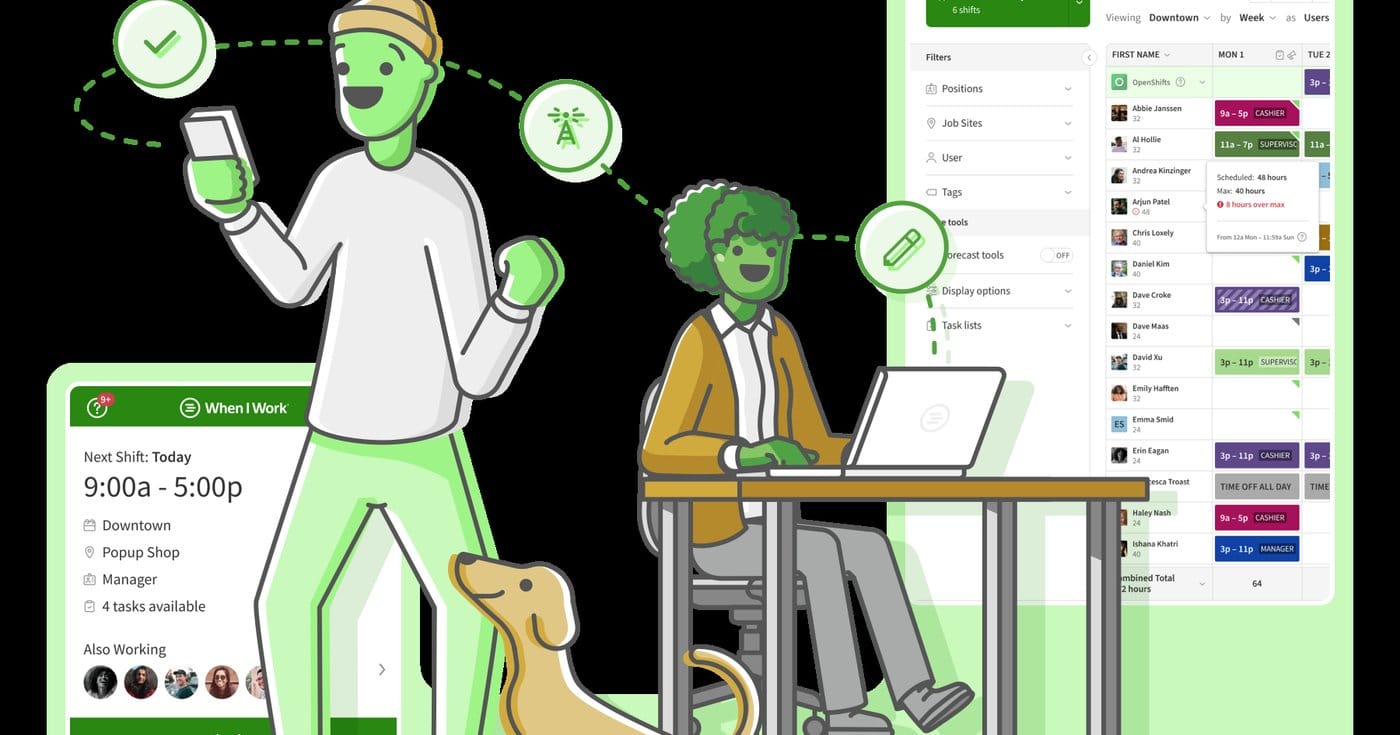
When I Work is the cheap published per-head rota when the job is a week of shifts, OpenShifts, and swaps you can defend at $2.50 a seat. It is built for shift publishing, not as the Fair Workweek rules engine. Teams that assumed the clock sat inside the Essentials sticker often discover a Time Tracking toggle that does not match the FAQ. Confirm that invoice line before you model punch-in on $2.50.
Main features
- Auto-scheduling and multi-week templates
- OpenShifts, swaps, and team messaging
- Scheduling rules, role permissions, and custom reporting on Pro
- API and SAML/SSO on Premium
- 14-day trial with no card
Pricing
- Essentials: $2.50 per user per month
- Pro: $5 per user per month
- Premium: $8 per user per month
- No printed annual rate on the public page
- 14-day trial; no lasting free plan
Pros
- Lowest published per-user scheduling sticker in this ranking
- Clear seat meter for a small shop that only needs a published week
- Trial makes a short bake-off cheap
Cons
- Time Tracking & Attendance toggle vs FAQ conflict can break a $2.50 punch-in model
- No lasting free tier
- Not built as the Fair Workweek compliance engine
2. Deputy
About the tool
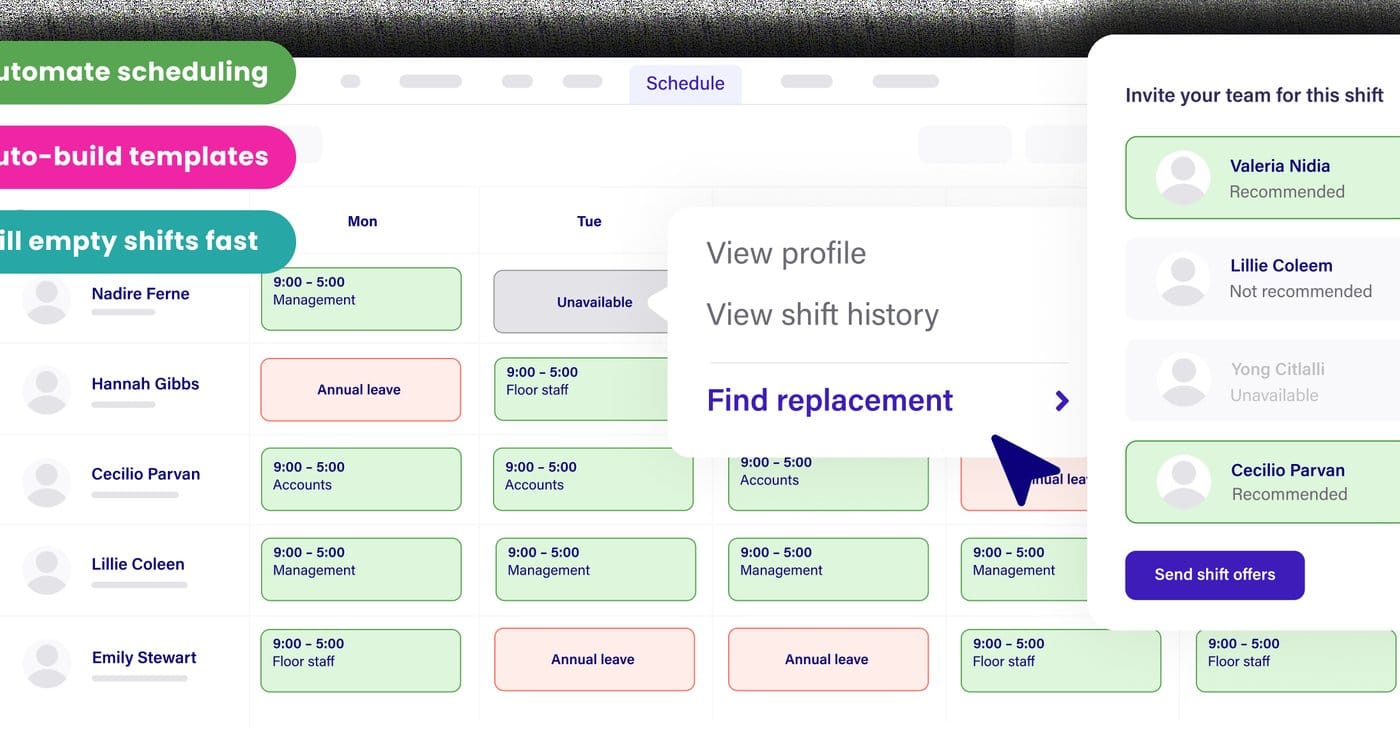
Deputy is the compliance seat when the job is breaks, auto-scheduling, demand forecasting, and a timesheet you will defend. Lite covers clock-and-swap. Core adds the forecast and wage budgets. It is the wrong buy for a six-person shop that hits the $30 floor before five seats. Admins count, mid-month archive still bills the full month, and SMS is metered at 1¢ per 160 characters in the US.
Main features
- Scheduling, timesheets, clock, labor-law compliance, and swaps on Lite
- Auto-scheduling, demand forecasting, and wage budgets on Core
- SSO, Analytics+, and Messaging+ on Pro
- Optional HR ($2/user) and Payroll add-ons
- $30 monthly minimum from 1 September 2025
Pricing
- Lite: $5 per user per month (USD, excl. tax)
- Core: $6.50 per user per month
- Pro: $9 per user per month
- Floor: $30 per month minimum
- HR add-on: $2 per user
- Payroll add-on (US, annual Core/Pro): $8 per user plus $49/mo
- SMS: 1¢ USD per 160 characters
Pros
- Strongest published compliance and auto-scheduling path in this set
- Clear Lite vs Core split between clock-and-swap and forecast
- Timesheet-oriented WFM for multi-site rules
Cons
- $30 floor taxes small teams (four on Lite is $30, not $20)
- Admins bill; add/archive/unarchive mid-month still costs the full month
- Annual plans cannot drop seats
3. Homebase

About the tool
Homebase is the per-location buy when one address will add heads, not doors, and the clock should sit on the same SKU as the rota. Basic is free for one location and up to 10 employees. The 11th badge or the second lock ends Free and moves you onto Essentials. It is the wrong buy as a five-location franchise modeled on All-in-One without counting location meters and the payroll add-on.
Main features
- Basic scheduling, basic time tracking, and POS on Free
- Unlimited employees with advanced scheduling and time tracking on Essentials
- AI scheduling and PTO on Plus
- Onboarding, labor-cost tools, and HR on All-in-One
- Optional payroll add-on
Pricing
- Basic: $0 for 1 location and up to 10 employees
- Essentials: $30/mo, or $24 billed yearly
- Plus: $70/mo, or $56 yearly
- All-in-One: $120/mo, or $96 yearly
- Payroll add-on: $39/mo + $6 per paid employee
Pros
- Best $0 start for a single shop under 10 people with a clock included
- Location meter favors headcount growth without a per-seat tax
- Clear upgrade ladder when Free ends
Cons
- Free dies on the 11th employee or second address
- Two cafes with six people each are two location bills
- PTO sits on Plus; hiring is not an ATS
4. Sling
About the tool
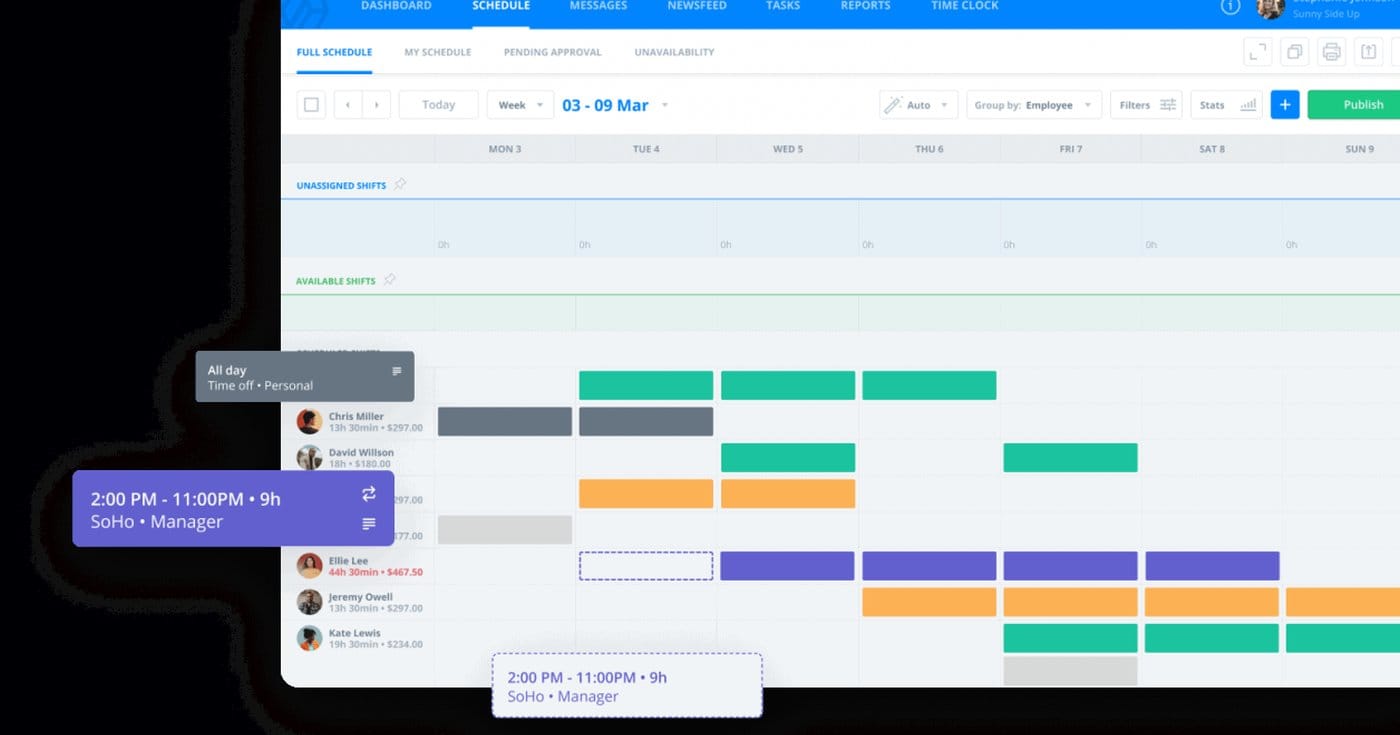
Sling (Sling by Toast) is the $0 schedule when up to 30 names on a rota is the product and nobody is punching in yet. Free covers shifts, time-off, and swaps. Punch-in, overtime, and kiosk clock live on Premium and Business. It is the wrong buy if you need the clock and the payroll export on day one, or if a Toast restaurant already pays for overlapping labor tools on another invoice.
Main features
- Free shifts, time-off, and swaps for up to 30 users
- Mobile time tracking and overtime on Premium
- Kiosk clock, payroll reports, and PTO on Business
- Deactivated users prorate
- Branded as Sling by Toast
Pricing
- Free: $0 for up to 30 users (schedule only)
- Premium: $2 per user per month, or $1.70 billed yearly
- Business: $4 per user per month, or $3.40 yearly
Pros
- Largest free schedule cap in this ranking (30 users)
- Cheap Premium clock once punch-in becomes real
- Proration on deactivated users
Cons
- Free is not a clock; punch-in starts at Premium
- A $0 rota can still publish a NYC-priced $100 clopening
- Toast shops should confirm the SKU is not already on the restaurant invoice
Worked annual cost at published floors
Assumptions: U.S. shop, annual billing where published. When I Work at the Essentials sticker (no printed annual). Deputy Lite, including the $30 floor. Homebase yearly. Sling yearly.
| Situation | When I Work | Deputy | Homebase | Sling |
|---|---|---|---|---|
| 8 people, 1 location, schedule only | $240 ($2.50 × 8 × 12) | $360 ($30 floor × 12) | $0 (Basic) | $0 (Free) |
| 11 people, 1 location, schedule + clock | $330 sticker; confirm T&A toggle | $660 ($5 × 11 × 12) | $288 (Essentials $24 × 12) | $224 (Premium $1.70 × 11 × 12) |
| 25 people, 1 location | $750 | $1,500 | $288 | $0 schedule / $510 clock |
| 3 locations, 15 people each (45) | $2,700 at the FAQ's $5 multi-location seat | $2,700 Lite, plus every manager seat | $864 (Essentials $24 × 3 × 12) | $918 (Premium; Free dies at 31) |
At 25 hourly names in one shop, Homebase Essentials is $288 a year and When I Work Essentials is $750 before the clock toggle. That is a meter gap, not a quality gap. At eight people, Deputy's $30 floor is a $120/year tax versus $5 × 8. At three doors, the location SKU wins until you need Deputy's auto-scheduler.
When it breaks
The billing unit is not the job:
- When I Work and Deputy sell seats
- Homebase sells locations
- Sling sells seats with a 30-user free cap
A free plan is a cliff. Homebase: 10 people, one address. Sling: 30 users, no clock. When I Work: no free plan, 14 days. Deputy: no free plan, $30 floor. The 11th hire is an Essentials event.
The manager is a seat on Deputy. Homebase does not bill heads on paid tiers. Count the people who build the rota, not just the people on it.
A clock is a different SKU on When I Work (toggle vs FAQ) and Sling (Free vs Premium). Homebase and Deputy put a clock on the floor SKU.
FLSA does not care which app published the week. Covered employees get at least time and one-half for hours over 40 in a workweek. NYC Fair Workweek (fast food, chain of 30+ nationally) prices employer-made changes at $10 / $15 / $15 for added hours and $20 / $45 / $75 for reduced hours at under 14 / 7 / 24 hours notice, plus a $100 clopening premium.
Best Firms' take
Best Firms' take: buy the meter that matches the scheduling job. When I Work when the object is a $2.50 published seat and you will confirm the clock toggle. Deputy when breaks, auto-scheduling, and a forecast are the product, after modeling the $30 floor and every admin. Homebase when one shop grows heads, not doors, and Free still covers 10 people. Sling when 30 names on a $0 rota is enough and punch-in can wait for Premium. Treating all four as interchangeable "$3 scheduling" options is how finance inherits a location cliff or a Fair Workweek fine the tool was happy to publish.
Named downside: Free is a cliff or a missing clock. Fail the meter, change lanes.
Frequently Asked Questions
What is the best employee scheduling software in 2026?
There is not one. When I Work Essentials at $2.50 a user for a cheap published rota (confirm the clock toggle). Deputy Lite at $5, or Core at $6.50, when rules are the job, after the $30 floor. Homebase Basic at $0 for one location and 10 people; Essentials at $24 yearly after that. Sling Free up to 30 users if you do not need a clock.
When I Work vs Deputy: which one?
When I Work if the object is a $2.50 seat and a swap. Deputy if the object is break compliance, auto-scheduling, and a forecast. Deputy bills managers and enforces a $30 minimum. When I Work's clock is a toggle the FAQ contradicts. Neither is Calendly.
Is there a good free employee scheduling plan?
Homebase Basic: one location, 10 employees, basic clock. Sling Free: 30 users, schedule only. When I Work and Deputy: trials only. A shared Google Sheet is not employee scheduling software.
Closing
Monday move: write the job first.
- Publish a week, enforce breaks and 14-day notice, or keep one shop under a location bill
- Under 10 people, one address, clock included: Homebase Basic at $0 (leave at 11 or the second door)
- Under 30 people, schedule only: Sling Free (Premium at $1.70 when someone punches in)
- Cheapest published seat, and you will confirm the clock toggle: When I Work Essentials at $2.50
- Multi-site rules and auto-scheduling: Deputy Core at $6.50 (model Lite at $5 plus the $30 floor and every manager)
- Covered fast food in NYC: publish 14 days out and price clopenings at $100
Fail the meter, change lanes.